5 Ways to Summarize a YouTube Video with AI
Use Browser Extensions for Instant YouTube Summaries
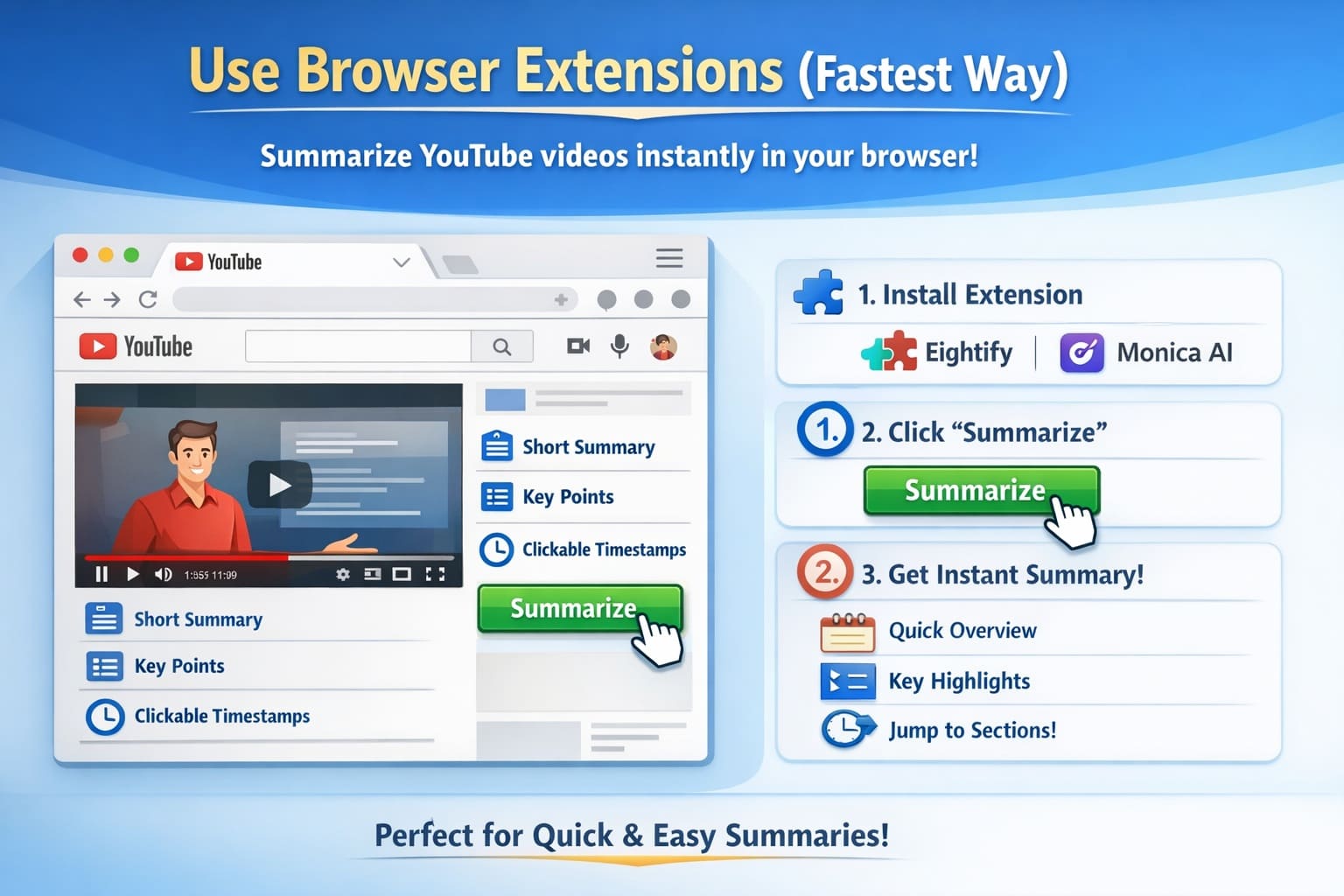
Browser extensions are the fastest and most effortless way to summarize a YouTube video using AI. Unlike standalone tools or separate websites, these extensions work directly inside YouTube, meaning you don’t need to copy links, upload files, or switch tabs. Once installed, they become a natural part of your YouTube viewing experience.
This approach is perfect when your goal is speed—quickly understanding what a video is about without spending time watching it fully.
Recommended Tools
- Eightify
- Monica AI
Both tools are popular because they are simple, fast, and beginner-friendly. They require almost no setup and deliver results within seconds, making them ideal for everyday YouTube usage.
How This Workflow Works in Practice
A) Install & Prepare Add the browser extension (such as Eightify or Monica AI) to your preferred browser. Once installed, no advanced setup is required. The extension automatically detects YouTube videos as soon as you open them.
B) Open the Video Navigate to any YouTube video—tutorials, podcasts, reviews, lectures, or explainers. As the video loads, the extension integrates itself into the YouTube interface.
C) Summarize Instantly A “Summarize” or “AI Summary” button appears near the video player or description area. Click the button once, and the AI immediately begins analyzing the video transcript and structure.
D) Review Key Insights Within a few seconds, the AI generates:
- A short and clear text summary explaining the core idea
- Bullet-point highlights covering the most important points
- Clickable timestamps that jump directly to key moments
This allows you to skip filler content and focus only on what truly matters.
Why This Method Is So Useful
With browser extensions, you do not need to:
- Watch long videos from start to finish
- Take notes manually
- Switch between multiple tools or tabs
Everything happens on the same YouTube page. For people who watch or research multiple videos daily, this can save several hours every week.
Best For
This method works best for:
- Quick learning and fast information intake
- Casual browsing and curiosity-driven content
- Checking if a long video is worth watching
- Tutorials, reviews, and explainer videos
If you want the fastest AI summary with almost no effort, browser-based AI extensions are the best choice.
Use AI Study & Research Tools for Deep Learning
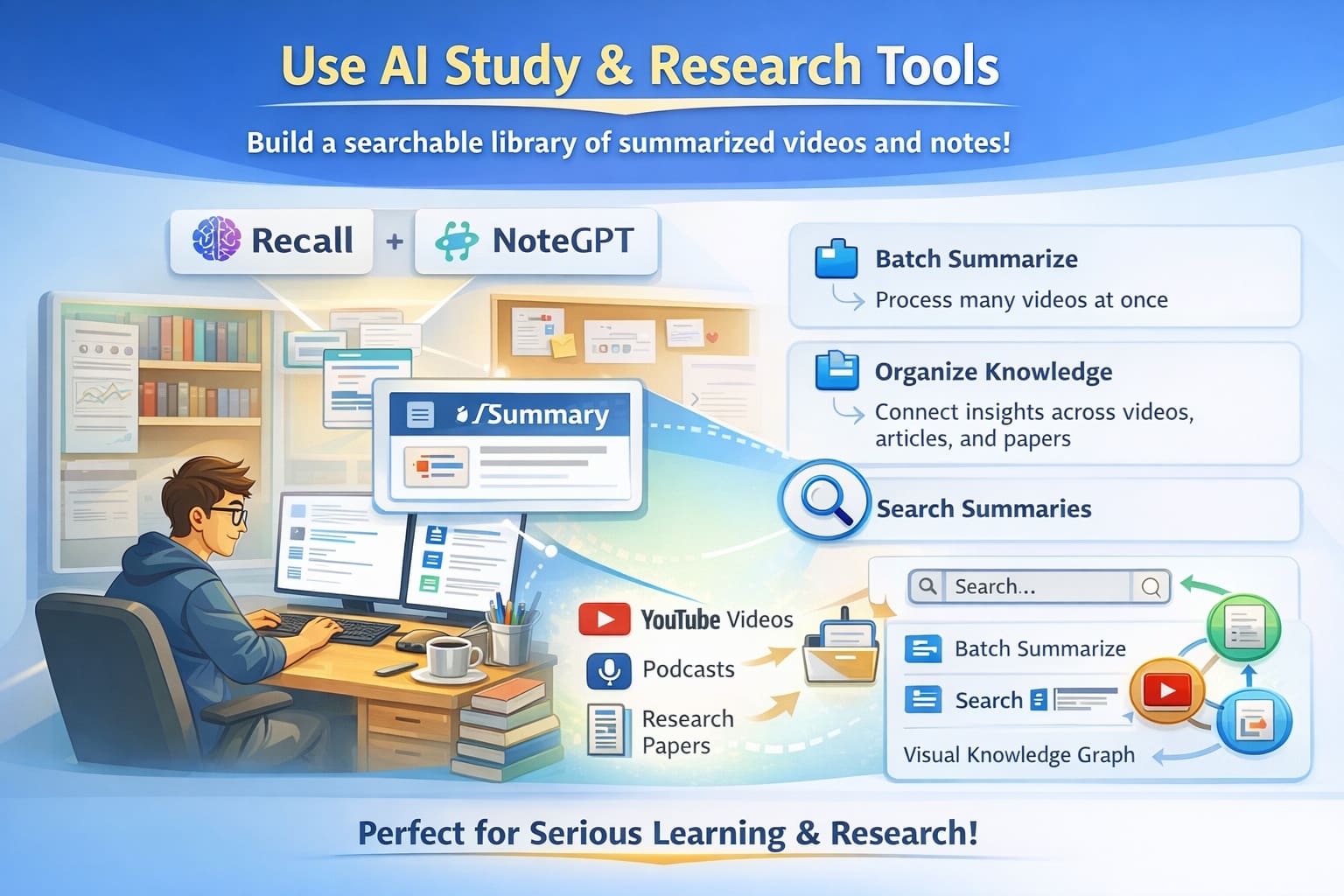
Browser extensions are excellent for quick summaries, but sometimes a short overview is not enough. If you are studying a subject seriously or doing long-term research, AI study and research tools are far more powerful.
These tools are designed not just to summarize a single video, but to help you learn, remember, and organize information over time. They turn scattered videos into structured knowledge.
Recommended Tools
- Recall
- NoteGPT
Both tools are built for serious learners and long-term use. They focus on understanding and retention rather than speed alone.
How This Workflow Works in Practice
A) Collect Learning Material Instead of opening one video at a time, you can paste multiple YouTube links related to the same topic—such as exam preparation, industry research, or skill learning.
B) AI-Powered Summarization The AI analyzes all videos together and extracts:
- Core ideas
- Repeated concepts
- Important explanations
This gives you a big-picture understanding, not fragmented summaries.
C) Organize Automatically Summaries are saved in one place and grouped by topic. You don’t need to manually label or arrange notes—the AI does this for you.
D) Search & Review Anytime Later, you can search your saved summaries by keyword and instantly find definitions, explanations, or examples without rewatching videos.
What Makes These Tools Different
These tools go far beyond basic summaries.
- NoteGPT can process multiple videos together and convert them into structured notes, making revision easier.
- Recall connects ideas across videos, articles, and PDFs, helping you understand how concepts relate to each other.
Over time, this creates a personal AI-powered knowledge library that grows with your learning.
Why This Method Is So Powerful
With AI study tools, you are not just saving time—you are building real understanding.
Instead of forgetting what you watched last week, you can:
- Revisit summaries anytime
- Compare ideas across multiple videos
- Learn faster with organized, searchable notes
This makes long-term learning more efficient and less stressful.
Best For
This method works best for:
- Students preparing for exams
- Researchers working on long projects
- Professionals learning complex or technical topics
- Anyone who wants to build long-term knowledge
If your goal is to study smarter, not just faster, AI study and research tools are the best choice.
Turn Videos into Mind Maps for Visual Learning
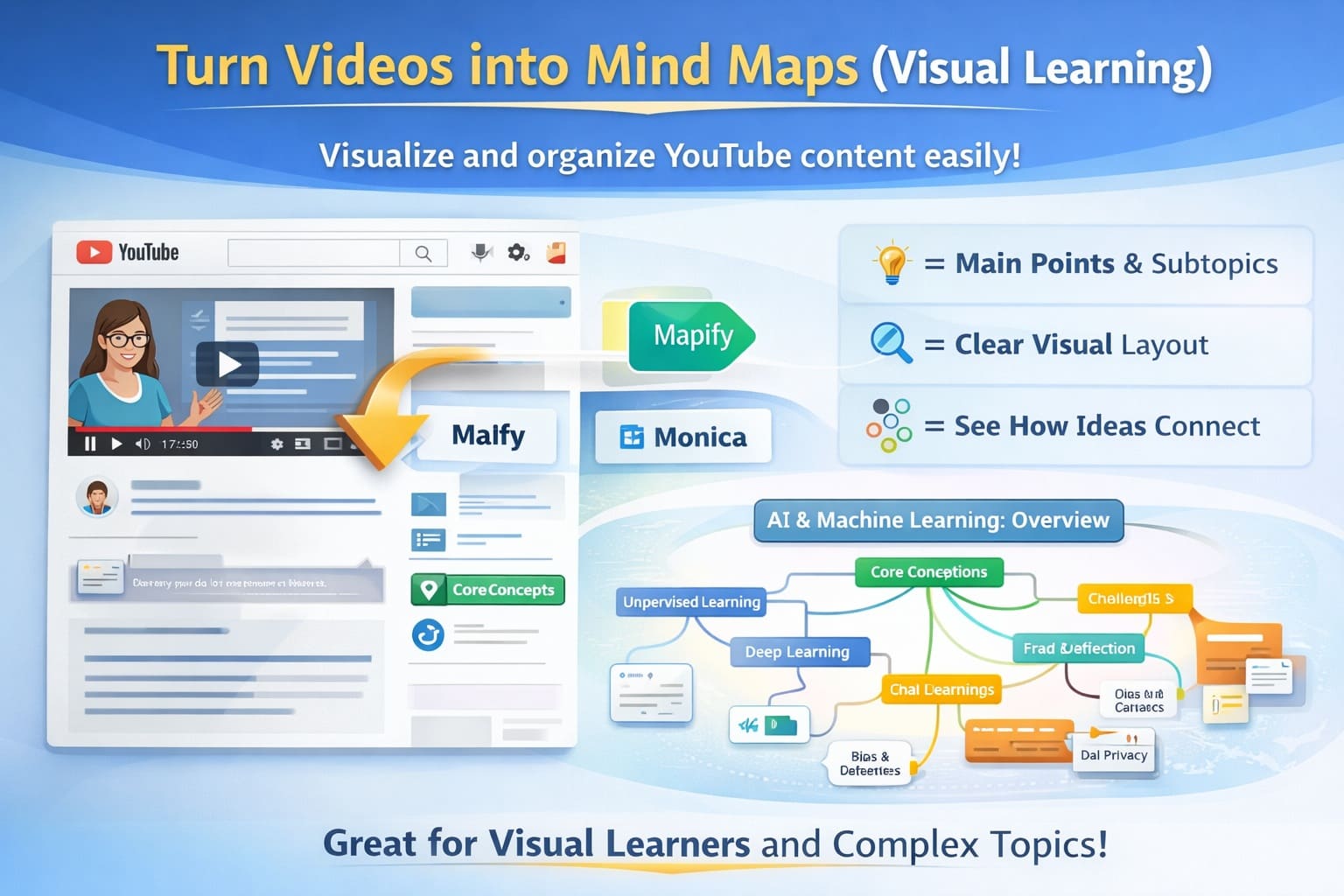
Not everyone learns best by reading long blocks of text. For many people, visual learning is far more effective. Seeing how ideas connect often makes understanding faster and more intuitive.
AI can now convert YouTube videos into mind maps, transforming long explanations into clear visual structures. This approach helps you grasp complex topics quickly and remember them longer.
Recommended Tools
- Mapify
- Monica AI
These tools are designed for people who prefer seeing ideas laid out visually instead of reading long paragraphs or bullet-heavy summaries.
How This Workflow Works in Practice
- Transcript Analysis:
- Idea Breakdown:
- Visual Organization:
- Instant Overview:
Why Mind Maps Are So Effective
Mind maps offer several learning advantages:
- They make complex topics easier to understand
- They show the full structure of a video in one view
- They improve long-term memory and recall
Instead of scrolling through long text summaries, you immediately see the big picture, which reduces cognitive overload.
When This Method Works Best
AI-generated mind maps are especially useful for:
- Technical and complex topics
- Step-by-step processes and workflows
- History lessons and timelines
- Business strategies and planning sessions
If a video contains many points, explanations, or relationships between ideas, a mind map makes everything clearer.
Best For
This method is ideal for:
- Visual learners
- Students studying difficult subjects
- Professionals learning new systems or frameworks
- Anyone tired of reading long text summaries
If traditional text summaries feel boring or overwhelming, AI-powered mind maps are an excellent alternative.
Chat with the Video by Asking Questions
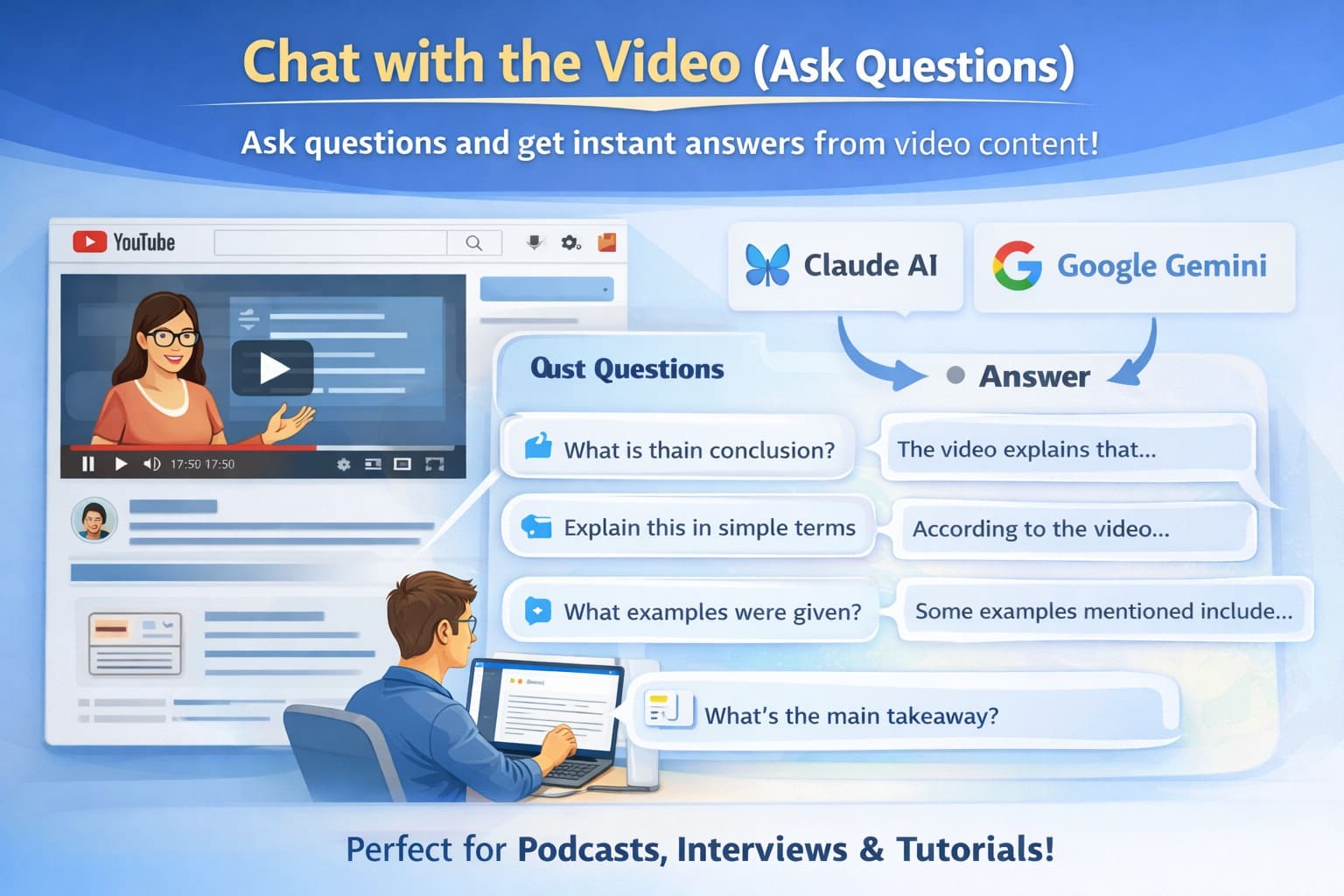
This is one of the most advanced and powerful ways to summarize a YouTube video using AI. Instead of reading a fixed summary, you can interact with the video as if you are asking questions to a teacher or expert.
This method is especially useful when you want specific answers rather than a general overview.
Recommended Tools
- Claude AI
- Google Gemini
Both tools are highly capable of understanding long video transcripts and responding in clear, natural language.
How This Workflow Works in Practice
A) Transcript Understanding The AI first reads and understands the full video transcript, including context, examples, and explanations.
B) Ask Natural Questions You can then ask questions such as:
- What is the main idea of this video?
- Explain this in very simple words.
- What examples were discussed?
- What is the final conclusion?
C) Instant AI Responses The AI searches through the video content and provides direct, clear answers, saving you from scanning or watching the entire video.
Why This Method Is So Powerful
With this approach, you are not forced to read everything or rely on a pre-generated summary.
You decide:
- What you want to learn
- How detailed the explanation should be
- Which parts of the video actually matter
This removes confusion and makes learning far more efficient.
Real-Life Example
If a video is 90 minutes long, you don’t need to watch it fully. You can simply ask:
“What are the 5 most important points from this video?”
The AI analyzes the entire transcript and delivers the answer within seconds.
Best For
This method works best for:
- Long podcasts
- Interviews
- Educational talks
- Tutorials with too much detail
If you want precise answers instead of general summaries, chatting with the video is the most effective option.
Use the Free Manual Method (No Paid Tools Needed)
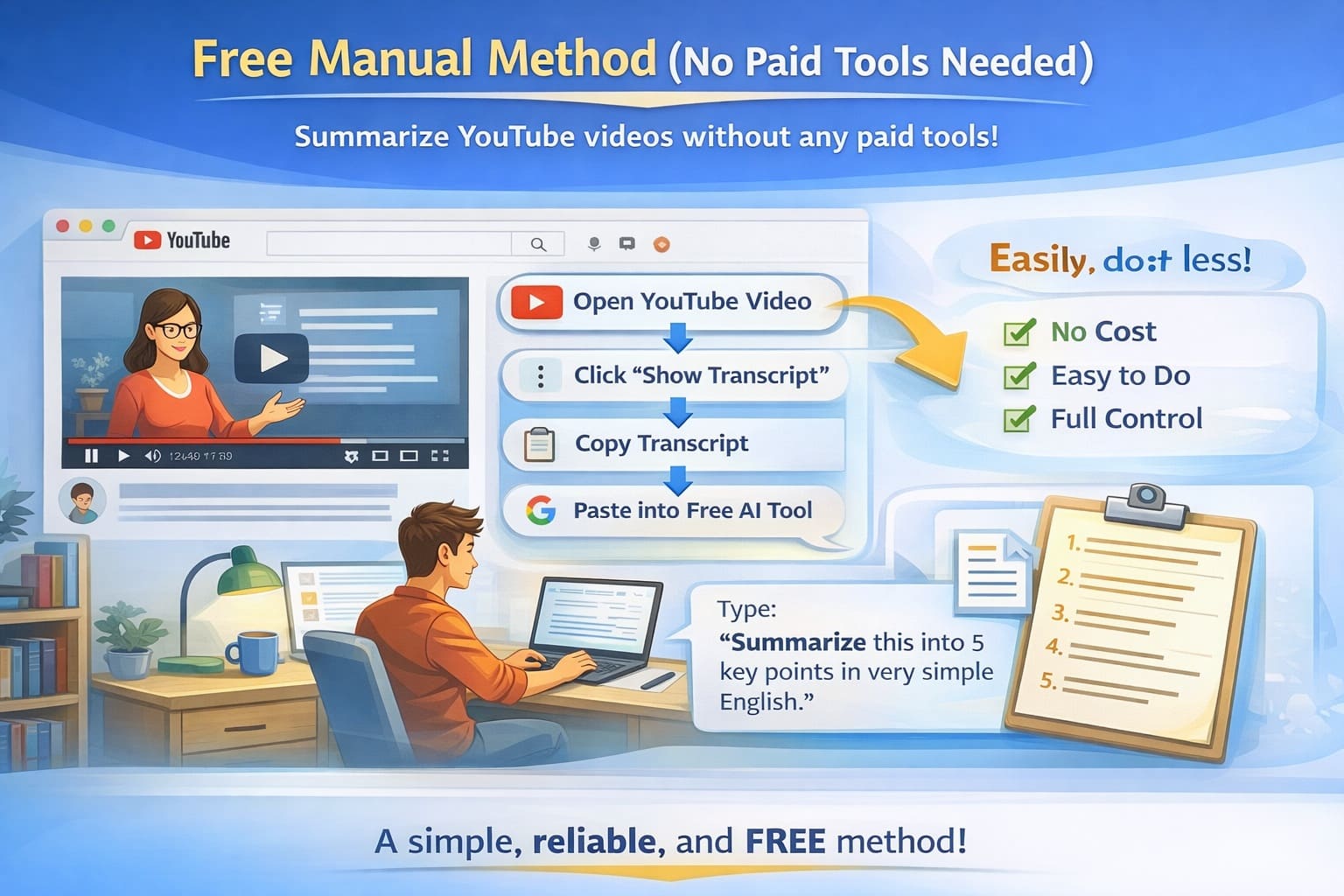
If you don’t want to install browser extensions or pay for AI tools, you can still summarize YouTube videos using AI—for free. This method relies only on YouTube’s built-in transcript feature and a free AI tool.
While it requires a little more effort, it gives you full control over how the summary is generated.
How This Workflow Works in Practice
YouTube already provides a transcript for most videos. Modern AI tools can read this transcript and turn it into a clear summary. Your job is simply to connect the two.
Step-by-Step Instructions
- Open the Video:
- Show the Transcript:
- Copy the Text:
- Open a Free AI Tool:
- Paste and Prompt:
- Review the Summary:
Why This Method Still Works Well
Modern AI models are very good at understanding long blocks of text. When your prompt is clear, the output is usually:
- Easy to read
- Well structured
- Accurate
You can also ask for:
- Bullet points
- Short paragraphs
- Actionable takeaways
This flexibility makes the method surprisingly powerful.
Limitations to Keep in Mind
This approach does have a few drawbacks:
- Takes more time than browser extensions
- Requires manual copying and pasting
- Does not provide clickable timestamps
However, the biggest advantage is that it costs nothing.
Best For
This method is ideal for:
- Beginners
- Budget users
- Occasional summaries
- People who want full control over the output
If you want a free, reliable, and flexible way to summarize YouTube videos with AI, this manual method works perfectly.
Final Thoughts
AI has completely changed how we use YouTube.
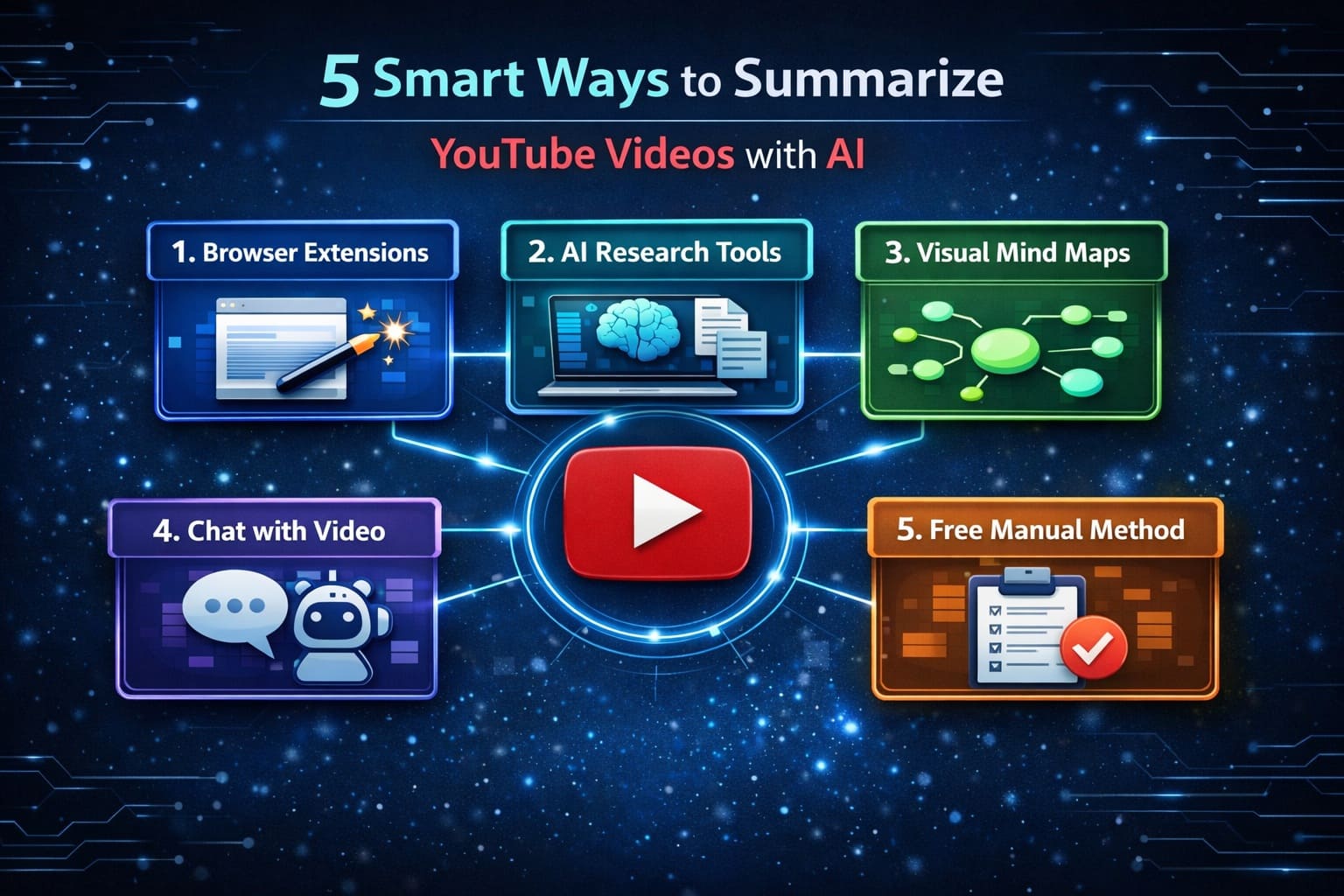
Today, you no longer need to watch every minute of a long video to learn something valuable. With the right AI approach, you can extract key insights, understand complex topics, and make decisions faster—without wasting time.
Whether you prefer:
- Speed through browser extensions
- Deep learning with study and research tools
- Visual understanding using mind maps
- Interactive learning by chatting with videos
- Or a free manual method with full control
AI makes YouTube smarter, faster, and more efficient for everyone.
The goal is simple: Learn more. Watch less.